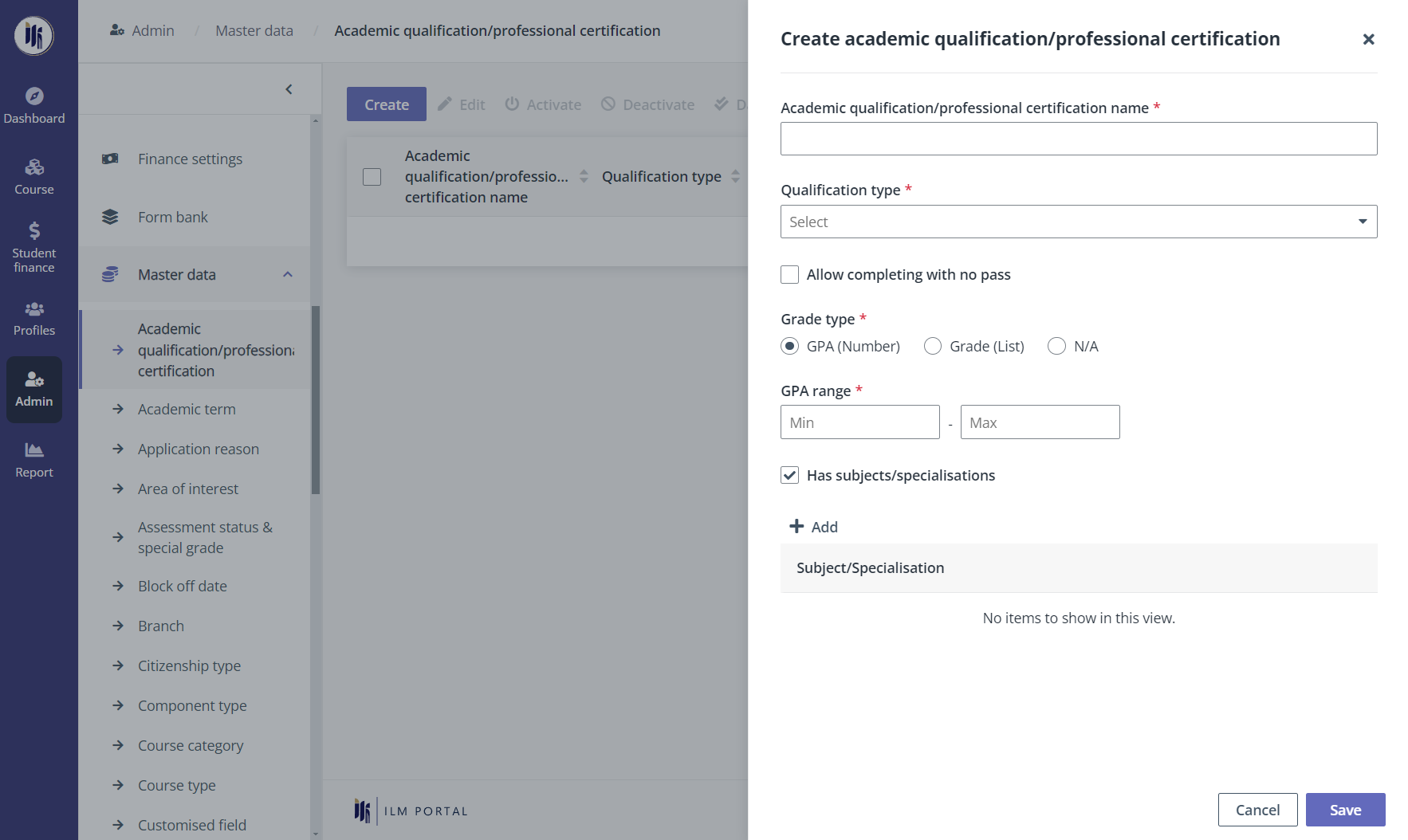
MUIS programme administrators can view and manage the common value lists and rules that are used in various functions in Admin > Master data. Click the master data name, and they will be redirected to the following master data management pages. To create an item, click Create, and then complete the configurations.
|
Master data name |
Description |
|
Academic qualification/professional certification |
View and manage academic qualifications or professional certifications. |
|
Academic term |
Create and manage academic terms by specifying the start and end date. |
|
Application reason |
Create application reasons by specifying reasons for each application outcome. |
|
Area of interest |
Area of interest is used to define the categories of courses. View and manage interest categories and sub interest categories. |
|
Assessment status & special grade |
Configure assessment statues and special grades to indicate the student’s special condition for sub-components or modules. |
|
Block off date |
Select a specific date or specify a date range to create a block off date. |
|
Branch |
View and manage the list of branches created. |
|
Citizenship type |
Configure the citizenship types in ILM and map the created citizenship types with those in Myinfo for the student information and management of fees. |
|
Component type |
View and manage component types. |
|
Course category |
View and manage course categories. |
|
Course type |
View and manage course types. |
|
Customised field |
View and manage customised fields. |
|
Equipment |
Create equipment to be used for facility setup. |
|
Evaluation section |
View and manage evaluation sections. |
|
Facility |
Create facilities that are used to be assigned for sessions. |
|
Grade mapping rule |
Configure grade mapping rules for mapping the module score, component score, and sub-component score to the grade. |
|
Grading scheme |
Choose to use the built-in grading schemes or create customised grading schemes. To use the built-in grading schemes, turn on the Follow the default grading scheme toggle. *Note: Built-in grading schemes cannot be edited. |
|
GST rate |
Configure GST rates to calculated fees. |
|
Industry sector |
Configure the industry sector for funding management. |
|
Internal suspended list |
By creating internal suspended records, debtors in the records can be restricted from applying specific courses or obtaining specific fundings by suspension rules. |
|
Lecturer category |
View and manage lecturer categories. The lecturer category can be used for honorarium calculation and lecturers’ payment advice generation. |
|
Media |
Create media to record the media from which the course is found and applied. |
|
Other suspended list |
Creating other suspended records. Debtors in the records can be restricted from applying specific courses or obtaining specific fundings by suspension rules. |
|
Signature role |
View and manage signature roles. |
|
SSG/WSG suspended list |
Create SSG/WSG suspended records. The individuals and companies in the SSG/WSG suspended list will not be able to obtain any SSG or WSG related fundings. |
|
Student contract template |
Create student contract template for CPE courses’ student contract generation. |
|
Sub-component assessment setup template |
Configure the scoring rules and remediation exam settings to create sub-component assessment setup templates. The Template is used for the sub-component creation. |
|
Sub-component type |
Create sub-component types for the assessment creation. |
|
Training provider |
View and manage training providers. |
|
Venue |
Create venues to be used for the facility setup. |